 Unstash

Sofia Lindqvist@sofialindqvist_ml
Reminder: "AI-powered" is not a feature. What does it do for me on a Tuesday?
Review what you saved. Keep what matters. Put it to use.
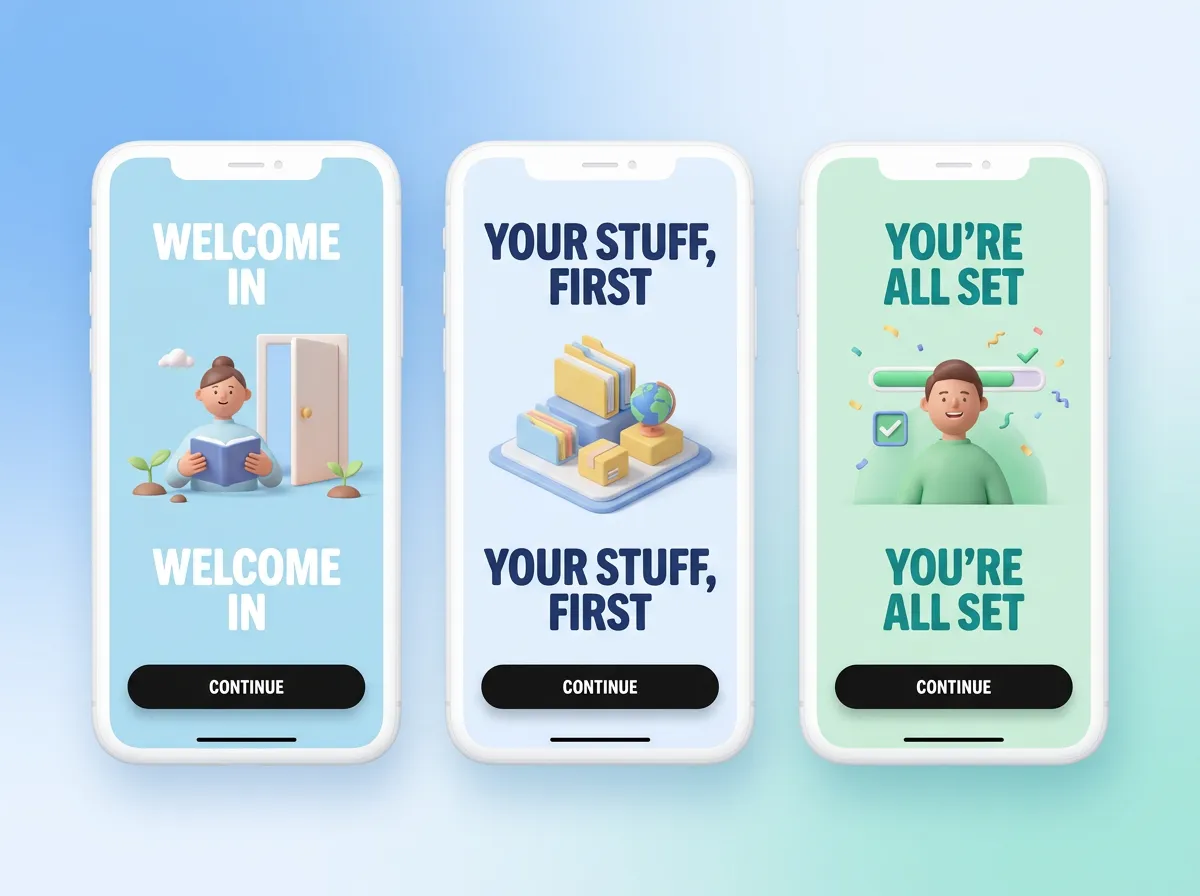
Onboarding teardown: 6 apps that nail the first 60 seconds 🧵 Common thread: they show you *your* stuff before asking for anything. The blue gradient ones are my favourite.
You bookmark the thread, the tool, the recipe, the design shot. Then it slides into a list you never open again. The pile grows. So does the guilt.
Then the next. Then the next. That's Unstash.
Unstash imports your bookmarks directly from X. Your real saves land on the wall while you watch. No setup wizard, no demo data.
Settings screens can be beautiful. Fight me.
Lisbon, but not the postcard bits: a 2-day walk through Graça and Marvila with the best bakery I found all year.
Driftboard is the first AI whiteboard I actually kept using. Sketch a flow, it turns it into clean wireframes. $8/mo, free tier is generous.
We hit $10k MRR today. 14 months, 2 people, zero ads. Everything that worked (and the 4 things that didn't) 🧵
15-minute garlic butter prawns with lemon and too much parsley. Weeknight hero 🍤
Patchnote writes your changelog from merged PRs and actually sounds like a human. Free for public repos.
New essay: "The Weight of Saved Things". On why we hoard links, and what happens when we finally let them go.
Onboarding teardown: 6 apps that nail the first 60 seconds 🧵 Common thread: they show you *your* stuff before asking for anything. The blue gradient ones are my favourite.
The prompt I use to turn a messy voice memo into a clean product spec. Copy, paste, thank me later 👇
Sunrise at Arashiyama before the crowds. Set an alarm for 5:15, you will not regret it.
spring, not ease. that's the whole tweet. (ok fine: stiffness 380, damping 32 for cards. thank me later)
My teta's fattoush. The secret is frying the bread in the same pan you toast the sumac in.
One card at a time. No feed, no infinite scroll, nothing to sort later.
Swipe right and file it into a Collection in the same move. Unstash suggests the right one from what you already keep.
Not now isn't never. Swipe down and it comes back in your next review, not buried at the bottom of a list.
Swipe left and it's off the pile without a trace. Most saves only needed one more look.
Swipe up to remove it. Every decision has an undo, and it stays on X unless you choose otherwise.
You meant to go, to learn, to use it one day. Reviewing turns each save back into what you meant.
I have to go here someday.
Add an Action while you review. It lands on your list linked to the post that sparked it, so the details travel with you.
Lisbon, but not the postcard bits: a 2-day walk through Graça and Marvila with the best bakery I found all year.
I'll read this properly later.
Review brings old saves back one at a time. Keep the ones that taught you something, with a note in your own words on why.
Pricing lesson: we doubled our price and conversion went *up*. People trust things that look like they'll still exist next year.
This will come in handy one day.
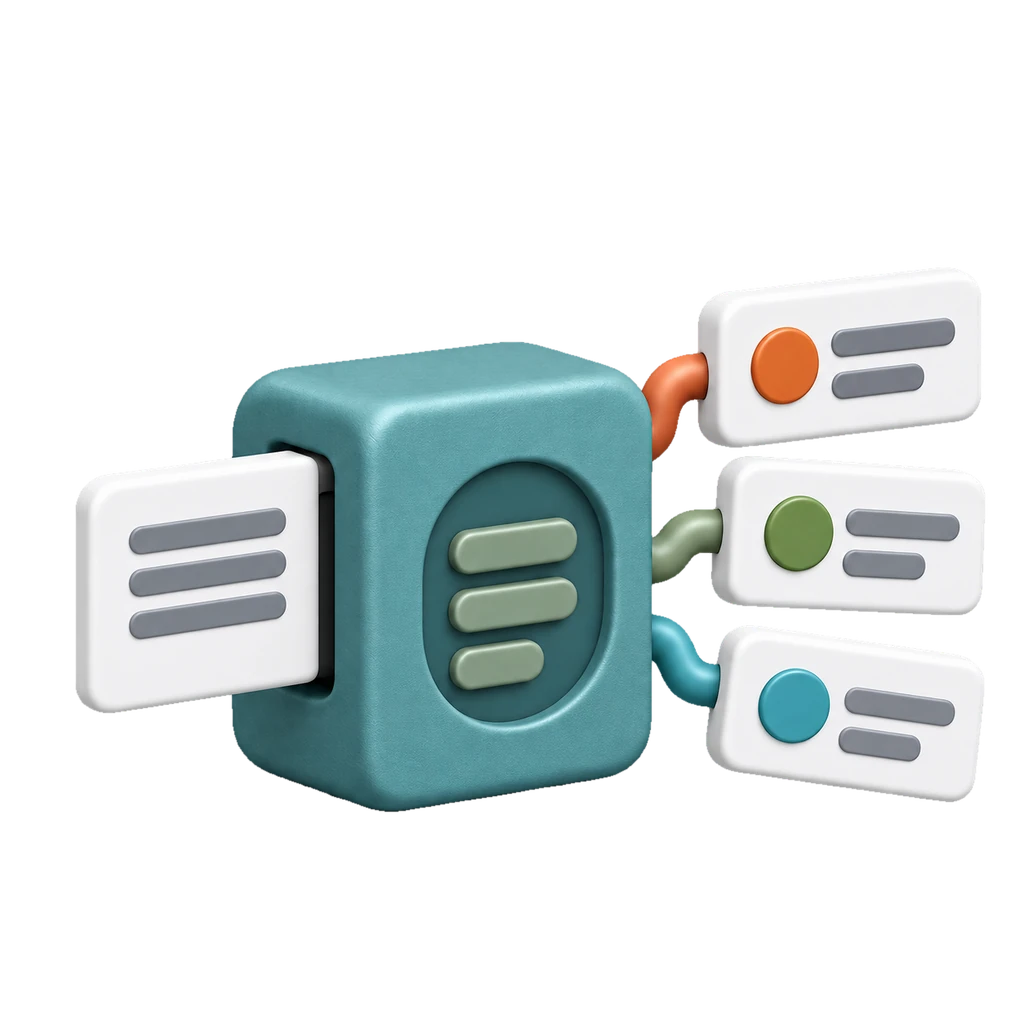
Search what you kept by what it was about. Lens lines a whole Collection up into a table you can scan in seconds.
Everything you Keep lands in Collections you can search, annotate and come back to.
Empty states are the most underrated screens in your app. Here are 12 I keep coming back to ↓
Sixty tool posts become a table with every price in one column. Saved recipes become a cookbook. Lens reads every post, its images and the page it links to.
One plan with everything in it. Try it free, then pick monthly or yearly.
No. Connecting X is read-only. Unstash imports and syncs your bookmarks and never changes your X account.
The post leaves Unstash: your review queue, your Stash and search. You can undo it, and it stays bookmarked on X.
Yes. The free X Bookmarks Exporter for Chrome saves your full bookmark history to a file, and you can import that file into Unstash.
Not yet. Unstash runs in any modern browser today, and the iPhone app is coming soon to the App Store. Android comes after that.
Basic AI processing, like Collection suggestions and search, is included. Bigger AI features such as Lens use AI Credits. The trial includes 100 and Pro adds 500 every month.
X bookmarks come first. You can also add any link by hand, and more sources are on the way.
Cancel anytime from Plan & Credits in the app or from your App Store subscriptions. Cancel before the 3-day trial ends and you won't be charged.
Only you. Your saves belong to your account, and we don't sell your personal information.
One card at a time, until the pile is gone.
Start free trial